WAV vs MP3 vs OGG: Which Audio Format Should You Choose?
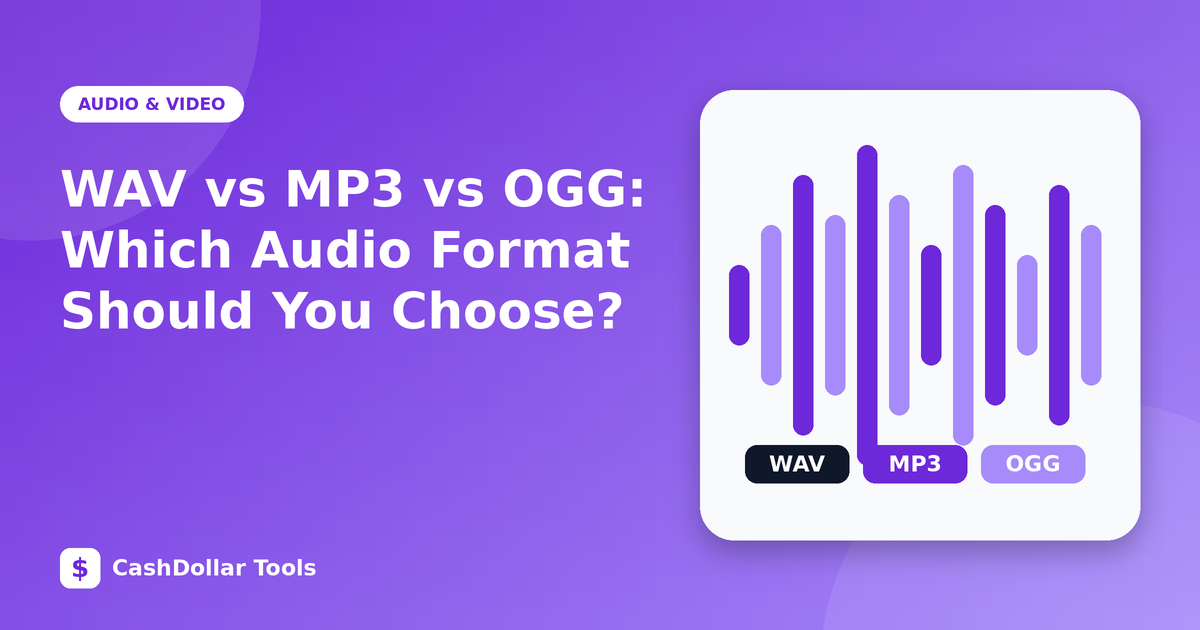
Audio formats look confusing at first, but they boil down to one question: do you want the original sound data exactly, or a smaller file that throws some of it away?
WAV: uncompressed
WAV usually stores raw PCM audio. Nothing is discarded, so it is ideal for recording, editing and archiving. The price is size. CD-quality stereo (44.1 kHz, 16-bit) uses roughly 10 MB per minute. A one-hour recording is around 600 MB.
MP3: universal and lossy
MP3 reduces size by removing sounds that are hard for people to hear. At 128 kbps, a minute of audio takes about 1 MB, and at 192 to 256 kbps most listeners find the result very good for music. MP3 plays on almost every device ever made, which is its biggest strength. Quality drops if you convert MP3 to MP3 repeatedly.
OGG (Vorbis and Opus)
OGG is an open container commonly used with Vorbis or Opus codecs. Opus, in particular, is excellent at low bitrates and is widely used in voice calls and streaming. At the same bitrate, OGG Vorbis often sounds slightly better than MP3, though device and software support is a little less universal.
Other formats worth knowing
- AAC / M4A: the default for Apple devices and many streaming services; efficient and widely supported.
- FLAC: lossless compression, typically half the size of WAV with identical quality. Great for music collections.
How to choose
- Recording or editing: WAV (or FLAC for storage).
- Sharing a podcast or music with anyone: MP3 around 128 kbps for speech, 192 to 256 kbps for music.
- Games, web apps, voice chat: OGG or Opus.
- Archiving a precious recording: WAV or FLAC.
Bitrate, sample rate and bit depth
Bitrate (kbps) is how much data is used per second in a compressed file. Sample rate (Hz) is how often the sound is measured, and 44.1 or 48 kHz is standard. Bit depth (16 or 24) affects dynamic range. Higher numbers are not always audible, and they always cost space.
A useful warning
Converting a lossy file to a lossless one does not restore lost quality; it simply makes a bigger file. Always convert from the best source you have, and keep that original.
Quick reference
- Best quality: WAV, FLAC
- Smallest size: Opus, AAC, MP3
- Most compatible: MP3
- Open format: OGG
Match the format to the job and you will rarely need to think about it again.