Free online tools that respect your privacy
PDF, image, audio, video, text, calculator and developer tools that run in your browser. No sign-up, no watermarks, and your files stay on your device.
Browse all 65 tools Read the guidesChoose a category
Five collections covering the most common everyday jobs.
PDF Tools
Merge, split, compress, convert, rotate and clean up PDF documents in your browser.
10 toolsImage Tools
Compress, resize, crop, convert formats, extract color palettes, and remove backgrounds with zero quality loss.
11 toolsVideo & Audio
Convert video to GIF or MP3, cut and compress clips, trim audio, change playback speed and view YouTube thumbnails.
10 toolsText & Writing
Word counter, case converter, markdown editor, diff checker, font generator, and Morse translator.
22 toolsConverters & Developer
QR codes, unit conversions, currency rates, financial calculators, hash generation, and minifiers.
Popular tools
The tools our visitors use most.
Merge PDF
Combine multiple PDF files into one clean document with custom page ordering.
Split PDF
Separate one PDF into individual pages or custom extracted page ranges.
Compress PDF
Reduce PDF file size with a light structure rewrite or a stronger image-based method, with real before and after sizes.
PDF to Word
Extract the text of a PDF into an editable Word (.doc) file. Layout and images are not reproduced.
Word to PDF
Turn the text of a .docx or .txt file into a clean, shareable PDF. Images and tables are not included.
PDF to JPG
Render every page of a PDF as a JPG image at the resolution you choose, right in your browser.
JPG to PDF
Convert JPG, PNG, and WebP images into a single professional PDF document.
Edit PDF
Add custom text, stamps, signatures, and annotations onto PDF pages.
Rotate PDF
Rotate individual pages or entire documents 90, 180, or 270 degrees.
Protect PDF
Learn how to add a real password to a PDF using trusted software, with step-by-step instructions.
Image Compressor
Compress PNG, JPG, and WebP images with adjustable quality sliders.
Image Background Remover
Isolate subjects and create crisp transparent PNGs with smart edge detection.
How it works
Three simple steps, and nothing leaves your device.
1. Pick a tool
Find what you need from the categories or search. Every tool has a short guide on its page.
2. Add your file or text
Drop a file or type your input. Your browser does the work, using your own device.
3. Download the result
Check the preview, save the output, and keep your original untouched.
Latest guides
Practical, plain-language articles that explain the ideas behind the tools.
How to Merge PDF Files Without Losing Quality
A clear walkthrough for combining several PDFs into one tidy document, including page order, bookmarks and the mistakes that cause problems.
How to Reduce PDF File Size for Email (Without Making It Unreadable)
Why PDFs get so large, which compression methods really work, and how to shrink a file while keeping text and images legible.
PDF vs Word: When to Use Each Format
A practical comparison of PDF and Word documents covering editing, sharing, accessibility and security, so you pick the right one every time.
How to Password-Protect a PDF Properly
The reliable ways to add a password to a PDF, the difference between open and permissions passwords, and how to choose a strong one.
How OCR Works: Extracting Text From Images and Scanned Documents
What optical character recognition does, why results vary, and practical steps to get cleaner text from photos, receipts and scans.
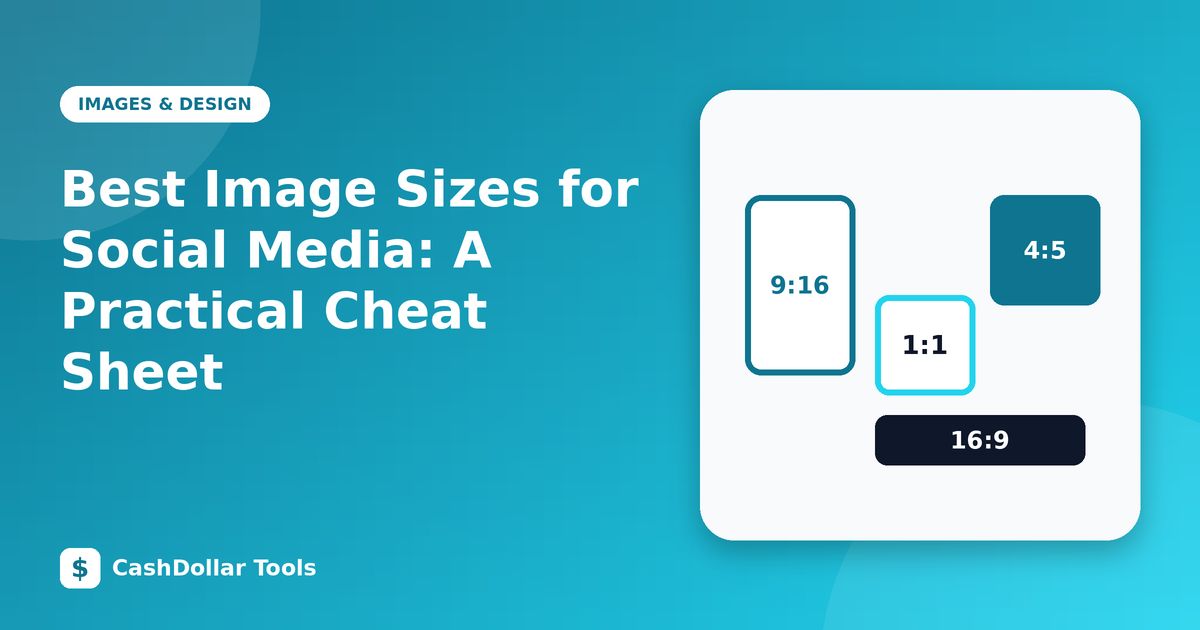
Best Image Sizes for Social Media: A Practical Cheat Sheet
Commonly used image dimensions and aspect ratios for Instagram, Facebook, YouTube, LinkedIn, X and Pinterest, plus how to avoid blurry uploads.
Why Cash Dollar Tools?
Many free online tools work by uploading your file to a remote server. That is slow, and it means your invoices, contracts and personal photos are copied somewhere you cannot see. We build our tools so that the work happens in your browser instead.
We also try to be straightforward about what each tool can and cannot do. Where a browser cannot do something reliably, such as true PDF encryption, we say so and point you to a safer method. Learn more on our About page and in our Editorial Policy.
Frequently asked questions
Are the tools really free?
Yes. Every tool is free to use without registration. The site is supported by advertising.
Are my files uploaded to your servers?
For almost all tools, no. Files are processed in your browser on your own device. A few tools load libraries or data (for example OCR language data or live exchange rates) from public services, but your files are not sent.
Do the tools work on a phone?
Most do. Heavy tasks such as video processing work best on a computer with a recent browser.
Why do some tools take time?
Browser-based processing uses your device, so large files take longer. Video tools re-encode in real time.
Will you add more tools?
Yes. Tell us what you need through the contact page.
Can I trust the results?
We describe the limits of each tool on its page. Check important output before relying on it, and keep your originals.