Merge PDF
Combine multiple PDF files into one clean document with custom page ordering.
About the Merge PDF
Combine multiple PDF files into one clean document with custom page ordering. This tool runs in your browser, so the files or text you use are processed on your own device. Keep a copy of your original file and check the result before relying on it.
Related guides
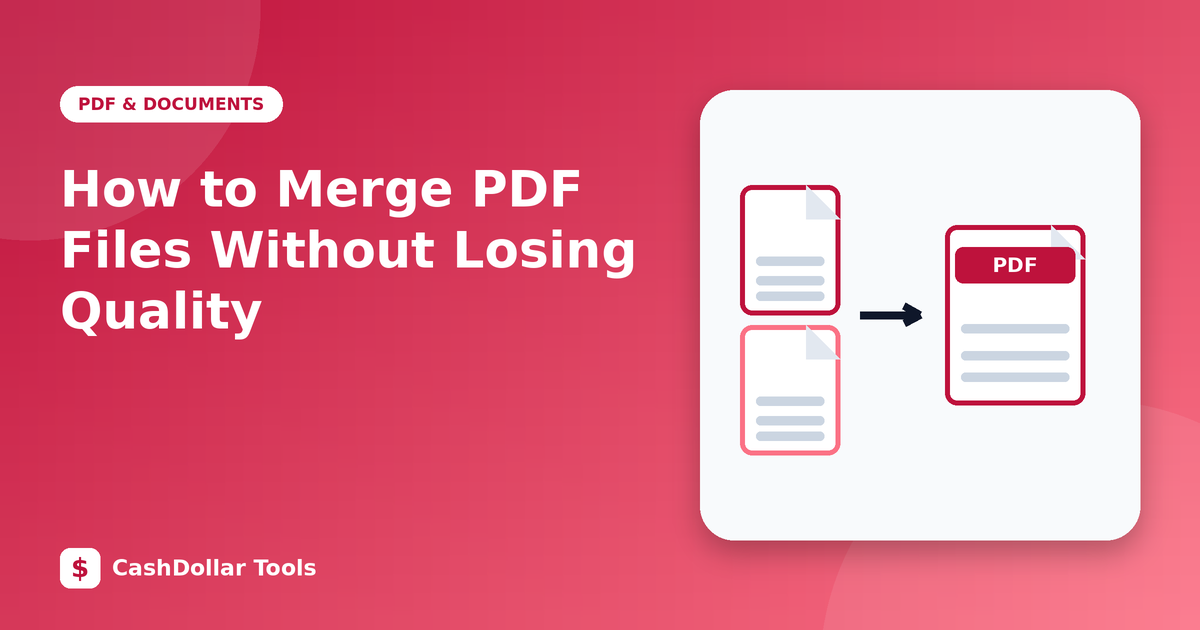
How to Merge PDF Files Without Losing Quality
A clear walkthrough for combining several PDFs into one tidy document, including page order, bookmarks and the mistakes that cause problems.
10 Proven PDF Productivity Hacks Every Remote Professional Needs
Master digital documents with these essential PDF workflows, from page rearrangement to smart client-side compression without quality loss.

Why Client-Side Browser Utilities Are the Future of Digital Privacy
Traditional online tools upload your files to remote servers. Discover why browser-native Canvas, Web Speech, and WebAssembly offer total peace of mind.
More PDF Tools
Split PDF
Separate one PDF into individual pages or custom extracted page ranges.
Compress PDF
Reduce PDF file size with a light structure rewrite or a stronger image-based method, with real before and after sizes.
PDF to Word
Extract the text of a PDF into an editable Word (.doc) file. Layout and images are not reproduced.
Word to PDF
Turn the text of a .docx or .txt file into a clean, shareable PDF. Images and tables are not included.
PDF to JPG
Render every page of a PDF as a JPG image at the resolution you choose, right in your browser.
JPG to PDF
Convert JPG, PNG, and WebP images into a single professional PDF document.