Why Client-Side Browser Utilities Are the Future of Digital Privacy
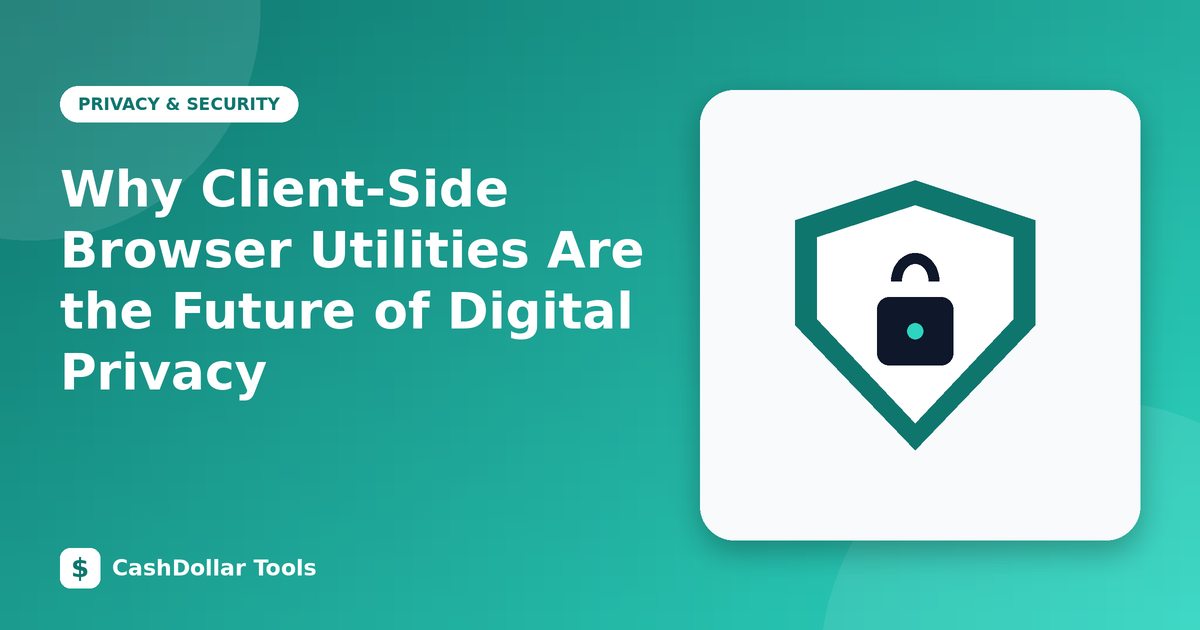
Most free online tools work the same way: you upload your file, a remote server processes it, and you download the result. That is convenient, but it means a copy of your document, photo or text has left your device and landed on infrastructure you cannot inspect. For a holiday photo that may not matter. For a passport scan, a signed contract or a medical letter, it matters a lot.
What "client-side" means
A client-side tool does its work inside your browser, using your own device's processor and memory. The page loads once, and after that the files you choose are read locally. Modern browsers include the features that make this possible: the Canvas API for images, the Web Audio API for sound, the File API for reading documents, and WebAssembly for fast, near-native code.
Why it is better for privacy
- No upload, no copy. If the data never leaves your device, there is no server-side copy to be leaked, subpoenaed or kept longer than promised.
- Fewer accounts and trackers. Local tools do not need to identify you to process a file.
- Predictable behaviour. Once a page is loaded, many tools keep working even if your connection drops.
What it does not guarantee
Honesty matters here, so keep these limits in mind:
- A web page can still load analytics or advertising scripts. Client-side processing protects your files, not your browsing activity. We describe our own use of analytics and ads in our Privacy Policy.
- Very large files can be slow on older phones because your device does the work.
- Some tasks, such as live exchange rates or loading an OCR language model, need a network request, though your file contents still stay local.
How to verify a claim yourself
You do not have to take any website's word for it. Open your browser's developer tools, switch to the Network tab, and use the tool with a small test file. If a large upload request appears, the file is being sent somewhere. If you only see the page's own assets, the work is local.
When a server is the right choice
Heavy jobs like converting a long video with specialised codecs, or tasks that require large machine-learning models, may be better on a server. In those cases, choose providers that state their retention period clearly and delete files promptly.
Habits that protect you
- Do not upload identity documents to tools you do not know.
- Prefer local processing for anything confidential.
- Remove metadata, like location data, from photos you share.
- Read the privacy policy of any service that handles your files.
Privacy-first design is not a slogan. It is a simple architectural choice: keep the data where it started.