PDF vs Word: When to Use Each Format
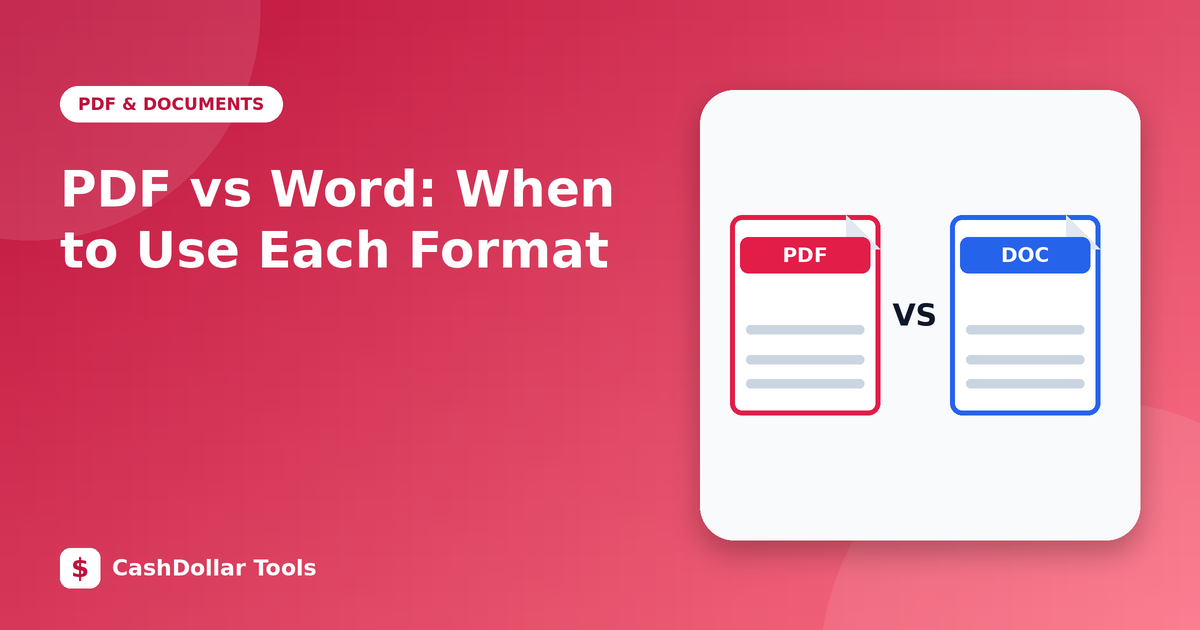
Both formats hold text, images and tables, but they were designed for different jobs. Choosing the wrong one leads to broken layouts, accidental edits or frustrated colleagues.
The core difference
A Word document (DOCX) is built to be edited. Its layout adapts to the fonts, printer and software on the computer that opens it. A PDF is built to be read and printed consistently. It fixes the layout so a page looks the same on a phone, a laptop and a printing press.
When Word is the better choice
- You are drafting, and several people need to edit or comment.
- You want tracked changes to review revisions.
- The content will be reused or restructured, such as templates and mail merges.
- You are writing a long document where styles, automatic numbering and a table of contents save time.
When PDF is the better choice
- You are sending a final version that should not change: invoices, contracts, certificates, résumés.
- Appearance matters, including fonts, spacing and print layout.
- The recipient may not have the same software.
- You want to archive a document in a stable form.
Security and trust
A PDF is harder to modify casually, but it is not tamper-proof. Anyone with the right tools can edit one. For legal weight, use a digital signature rather than relying on the format. You can protect a PDF with a password using your word processor's export options, which is more reliable than uploading to an unknown service.
Accessibility
Accessible documents help everyone, including people using screen readers. In Word, use real heading styles, add alt text to images and set the document language. When you export to PDF, choose the option that preserves tags so that structure carries over. Scanned PDFs without OCR are effectively pictures and cannot be read aloud.
Converting between formats
Converting PDF to Word is never perfect, because a PDF does not store paragraphs the way Word does. Expect to repair columns, tables and fonts. Whenever possible, keep the original Word file and treat the PDF as an export. Converting Word to PDF is much safer, since you are going from an editable source to a fixed output.
A simple rule
Collaborate in Word, publish in PDF. Keep both versions, label them clearly, and you will rarely lose work.
Quick comparison
- Editing: Word easy, PDF limited.
- Consistency: PDF excellent, Word depends on fonts and software.
- File size: similar for text, PDFs with scans are larger.
- Best for: drafts (Word), final delivery (PDF).