How OCR Works: Extracting Text From Images and Scanned Documents
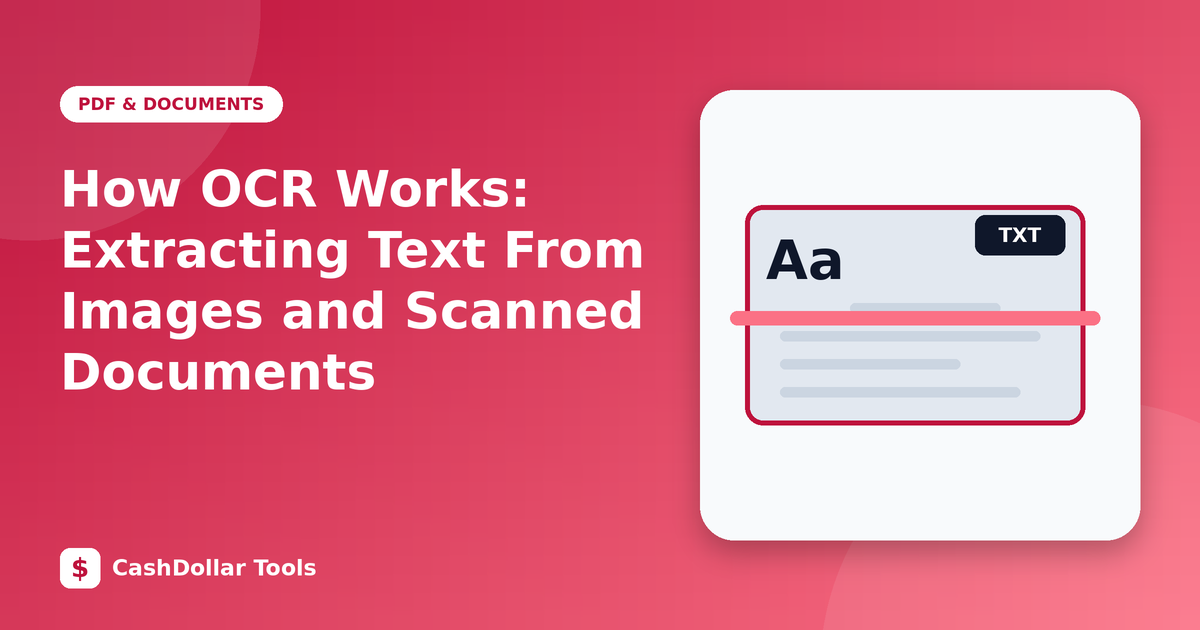
Optical character recognition, or OCR, turns pictures of text into text a computer can search, copy and edit. It is what lets you photograph a printed page and paste the words into a document.
What happens inside OCR
- Pre-processing. The software cleans the image: straightening a tilted page, boosting contrast and removing speckles.
- Layout analysis. It finds blocks of text, columns, tables and images.
- Recognition. Modern engines use neural networks to recognise characters and whole words in context, which helps them choose between look-alike symbols.
- Post-processing. A language model or dictionary corrects likely errors, such as reading "rn" where "m" was meant.
Why accuracy varies
OCR works best on clean, printed text in a common font with high contrast. It struggles with handwriting, decorative fonts, faint photocopies, curved book pages, low resolution and busy backgrounds. No engine is perfect, so treat output as a draft that needs proofreading, especially for numbers, names and legal text.
How to get better results
- Resolution: scan at about 300 dpi. Phone photos should be sharp and well lit.
- Alignment: keep the page flat and straight. Crop away table edges and shadows.
- Contrast: dark text on a light background is ideal. Avoid glare from glossy paper.
- Language: select the correct language so the dictionary matches the text.
- Size: very small text may need to be zoomed before recognition; very large images can be slow, so downsize them first.
Typical uses
- Digitising old letters and printed notes.
- Extracting a phone number or address from a photo.
- Making scanned PDFs searchable.
- Copying quotes from books for study notes (respecting copyright).
Privacy considerations
Receipts, IDs and medical papers contain personal details. When possible, use an OCR tool that runs in your browser or on your device so the image is not uploaded elsewhere. Check the privacy policy before using a cloud service.
Cleaning up the output
After recognition, search for common slips: the letter O and the digit 0, the letter l and the digit 1, missing line breaks, and broken hyphenation at line ends. Compare totals on receipts with the image.
Limits to remember
OCR does not understand meaning. It will happily output nonsense from a smudge. For critical documents, verify the result against the original.
Used thoughtfully, OCR saves hours of retyping and makes old paperwork searchable.