Best Image Sizes for Social Media: A Practical Cheat Sheet
Every platform crops and compresses uploads, so a picture that looks perfect on your computer can arrive blurry or oddly cut off. Starting with the right dimensions prevents most problems.
Important: platforms change their layouts regularly. Treat the numbers below as widely used starting points and confirm them in each platform's help pages before a big campaign.
Common sizes
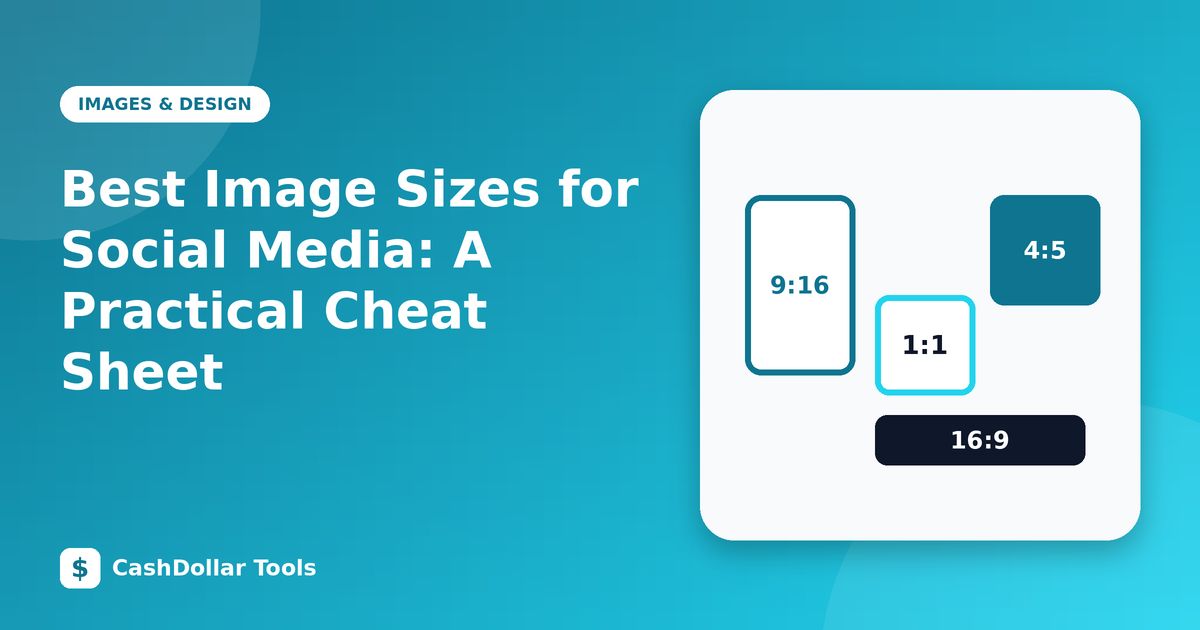
- Instagram feed post: 1080 × 1080 (square) or 1080 × 1350 (4:5 portrait), which takes more screen space.
- Instagram and Facebook stories, Reels, TikTok: 1080 × 1920 (9:16). Keep key text away from the top and bottom, where interface elements sit.
- Facebook shared link image: about 1200 × 630.
- YouTube thumbnail: 1280 × 720 (16:9).
- LinkedIn post image: around 1200 × 627; company banner about 1128 × 191 or similar, which changes often.
- X (Twitter) in-stream image: 16:9 works well, such as 1600 × 900; profile header about 1500 × 500.
- Pinterest pin: 1000 × 1500 (2:3) is the common recommendation.
- Open Graph / link preview for your own website: 1200 × 630.
Aspect ratio matters more than pixels
If you upload a ratio the platform does not display, it crops or adds bars. Decide on the ratio first (1:1, 4:5, 16:9, 9:16, 2:3), design inside that frame, and then resize to the pixel size.
Safe zones
Place logos and text well inside the edges. A common habit is to keep important elements within the central 80 percent of the image.
Avoiding blurry uploads
- Do not enlarge small images. Upscaling cannot create detail that is not there.
- Export at the recommended size or slightly larger. Very large files get recompressed harshly.
- Mind the format. Use PNG for graphics with text and JPEG or WebP for photographs.
- Keep file sizes sensible. A few hundred kilobytes up to a couple of megabytes is typical.
- Check on a phone. Most people will view it on a small screen.
Workflow tip
Create a master design at the largest size you need, such as 2160 × 2700, then export each version. Keep a folder of templates for each platform so new posts are fast.
Accessibility
Add alt text where the platform allows it, and make sure text has strong contrast against the background. Avoid putting essential information only in an image; repeat it in the caption.
A few minutes of preparation gives you sharper, better-cropped posts on every platform.