What Is Base64, and When Should You Use It?
Base64 appears in email attachments, web tokens and image data URLs. Many beginners mistake it for encryption, which leads to real security errors.
The problem it solves
Some systems were designed to carry only plain text. Binary data such as images or files contains bytes that those systems may mangle. Base64 converts any binary data into a safe alphabet of 64 characters: A–Z, a–z, 0–9, plus + and /, with = used for padding.
How it works
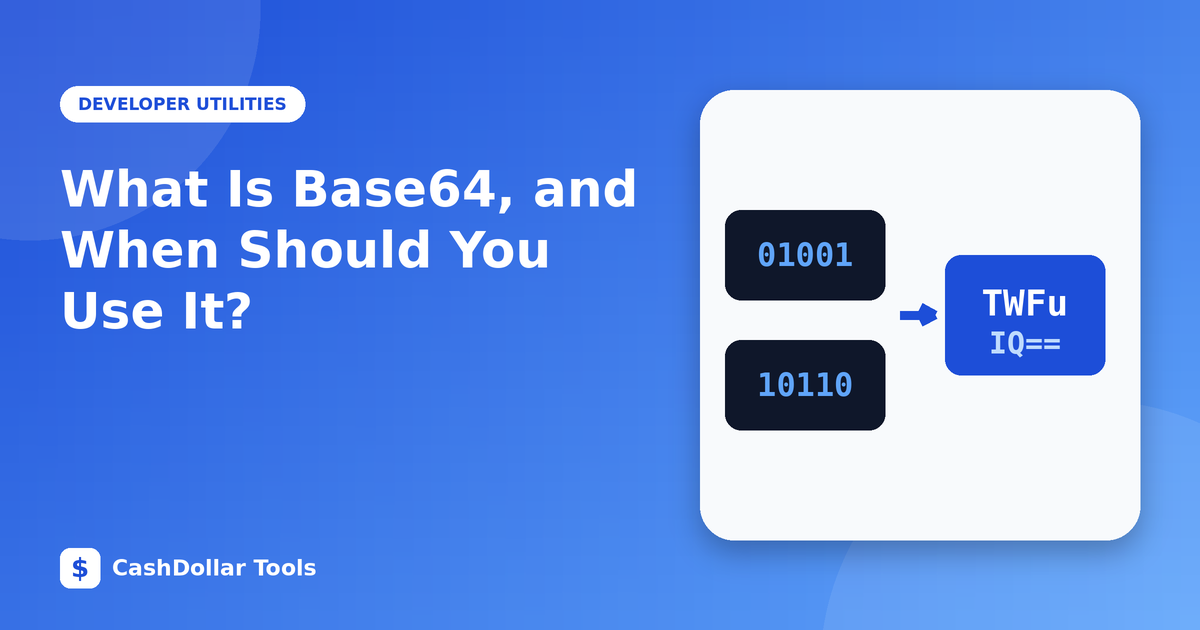
It takes the data in groups of three bytes (24 bits), splits them into four groups of six bits, and maps each six-bit value to a character. Because three bytes become four characters, the output is about 33 percent larger than the input.
Example: the text "Man" becomes TWFu.
Where you meet it
- Email attachments: MIME encodes attachments in Base64.
- Data URLs:
data:image/png;base64,...lets you embed a small image directly in HTML or CSS. - JSON Web Tokens: the header and payload are Base64URL-encoded, a variant that replaces
+and/with-and_. - HTTP Basic authentication: credentials are sent as Base64 text.
- APIs: binary payloads are often sent as Base64 inside JSON.
It is not encryption
Anyone can decode Base64 instantly; it has no key. Never use it to hide passwords, tokens or personal data. If a JWT payload is Base64-encoded, you can read it, which is why secrets must never be placed inside. Use real encryption (such as AES) and secure transport (HTTPS) for confidential data.
When it is a good choice
- Embedding tiny icons to save an HTTP request.
- Transmitting binary data over text-only channels.
- Storing small binary values in text fields or configuration files.
When to avoid it
- Large files. The 33 percent overhead and the extra processing slow pages down.
- Images that are reused across pages, because a normal file can be cached by the browser, while an inlined one cannot.
Common pitfalls
- Forgetting padding or using the wrong variant (standard vs URL-safe).
- Encoding text with the wrong character set. Convert to UTF-8 bytes first.
- Line breaks inserted by some encoders. Some decoders reject them.
- Assuming decoded text is safe. Always validate input.
Try it
Encode a short sentence, then decode it again. Notice how the length grows and how decoding returns the exact original. That round trip shows what Base64 is: a reversible formatting change, nothing more.
Remember: encoding is for compatibility; encryption is for secrecy.