The Modern Developer Toolkit: Formatting, Minifying & Encoding Essentials

Every developer ends up with a small drawer of everyday utilities: something to make JSON readable, something to decode a string, something to shrink a stylesheet. Knowing what each one does, and when it can mislead you, saves time during debugging and deployment. Here are the essentials.
Formatting and validating JSON
JSON is the standard format for exchanging data between services. A formatter adds indentation so you can read nested objects, and a validator tells you where the syntax breaks. The most common errors are trailing commas, single quotes instead of double quotes, unquoted keys and missing brackets. Remember that JSON has no comments and no undefined.
Base64 encoding
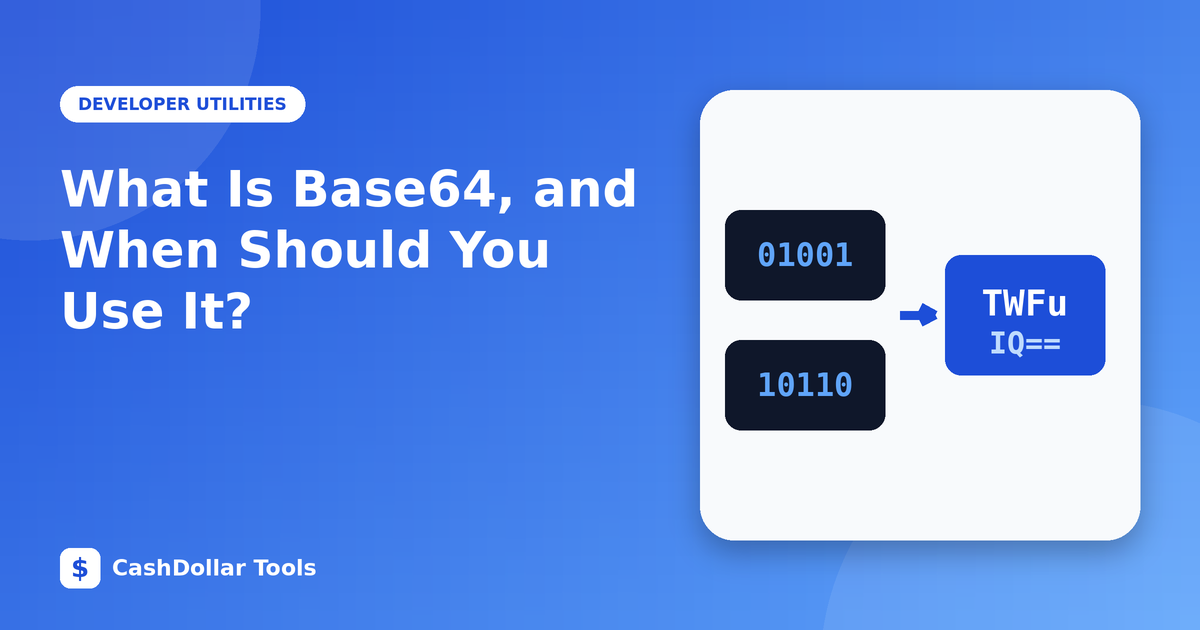
Base64 turns binary data into plain text using 64 safe characters. You will meet it in data URLs, email attachments and some API tokens. It is encoding, not encryption: anyone can decode it. Never use Base64 to hide a password. It also increases size by roughly a third, so avoid embedding large images this way unless there is a reason.
URL encoding
Characters such as spaces, ampersands and question marks have special meaning in URLs. Percent-encoding replaces them with %20, %26 and so on so values survive the trip. Encode individual values, not an entire URL, or you will break the structure.
HTML entities
To display < or & as text rather than markup, write < and &. Escaping user-supplied text before inserting it into a page is a basic defence against cross-site scripting.
Minifying CSS and JavaScript
Minification removes whitespace and comments, and in JavaScript may shorten variable names, to cut file size. Keep your readable source in version control and minify only the production copy. Test the minified result, since a rare edge case can behave differently. Combine minification with server compression (gzip or Brotli) for the best effect.
Hashes and unique IDs
A hash such as SHA-256 produces a fixed fingerprint of data, useful for checking that a download was not altered. A UUID is a unique identifier for records. Neither is encryption, and plain fast hashes are the wrong tool for storing passwords, where a dedicated slow algorithm like bcrypt or Argon2 is appropriate.
Colours and regular conversions
Converting between HEX, RGB and HSL is routine in front-end work. Keep a consistent format across a project so values are easy to compare and search.
A tidy debugging routine
- Format the payload so you can read it.
- Validate it before blaming the server.
- Decode any encoded fields.
- Compare working and failing examples side by side.
- Only after it works, minify and ship.
Small, well-understood tools beat clever one-off scripts. Keep these handy and you will spend less time on formatting and more on actual problems.