How to Write SEO-Friendly URLs and Slugs
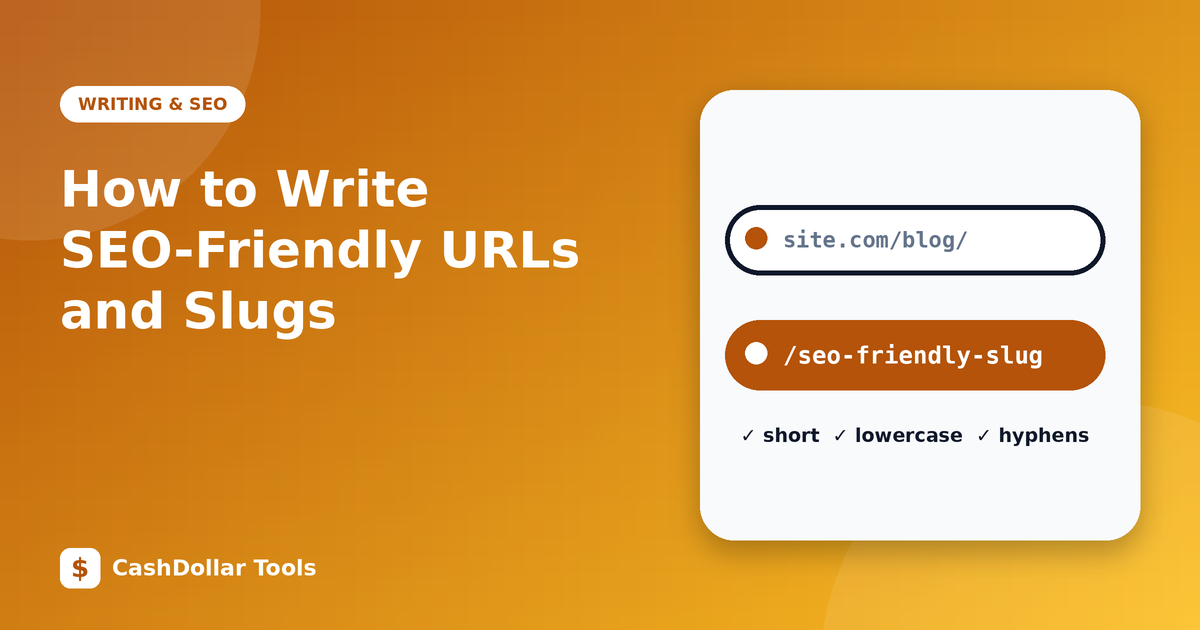
A slug is the part of a URL that identifies a page, like best-pdf-tools in example.com/blog/best-pdf-tools. Good slugs help people understand where a link leads and give search engines a small contextual hint.
What makes a good slug
- Short and descriptive. Three to six words is typical.
how-to-compress-pdfbeatsa-complete-and-detailed-guide-to-how-you-can-compress-a-pdf-file. - Lowercase. Some servers treat uppercase and lowercase as different pages, which can create duplicates.
- Hyphens between words. Google recommends hyphens over underscores, since it treats hyphens as word separators.
- Plain characters. Avoid spaces, accents and special symbols. Spaces become
%20, which is ugly and error-prone. - Primary keyword, naturally. Include the main topic words but do not stuff them.
- No dates unless necessary. A year in the slug makes content look old and forces a change when you update it.
Remove filler
Stop words such as "a", "the" and "of" can often be dropped without losing meaning. guide-image-compression is shorter than a-guide-to-the-image-compression. Keep them if removing them changes the meaning or makes it unclear.
Keep the structure logical
Folders in a URL should reflect your site's organisation: /tools/merge-pdf, /blog/pdf-vs-word. Avoid deep nesting and long query strings. Fewer levels are easier to understand and share.
Never casually change a live URL
If a page has been indexed, has backlinks or is bookmarked, changing its slug breaks those paths. If you must change it, set up a 301 redirect from the old URL to the new one, update internal links and resubmit your sitemap. Without a redirect, visitors see an error and you may lose ranking signals. When in doubt, leave an existing slug alone.
Canonical URLs
If the same content is reachable at several addresses (with and without a trailing slash, with tracking parameters), declare the preferred version with a canonical tag so search engines consolidate signals.
Workflow for new pages
- Write the title first.
- Remove punctuation and filler.
- Lowercase and join with hyphens.
- Check that the slug is unique on your site.
- Publish, then add it to your sitemap.
International sites
For non-Latin languages, you can use native characters in URLs, which browsers display properly but encode behind the scenes. Many sites choose transliterated Latin slugs for simpler sharing.
Treat every URL as a permanent address, and choose it carefully the first time.